The first salon software
with its own color scale.
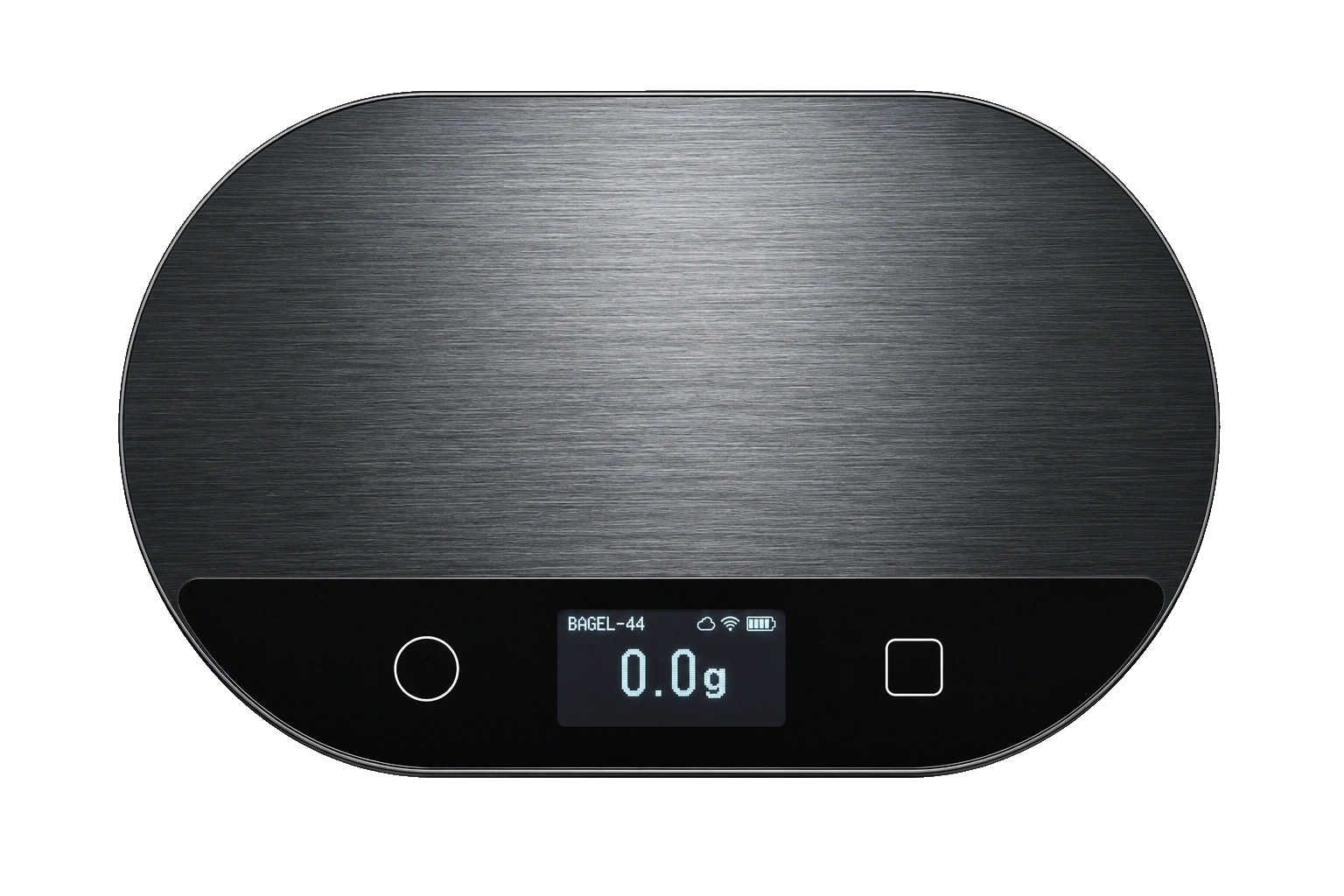
Weigh color from any device.
20% savings on a $10,000 annual color budget would mean $2,000 back for your salon.

From the calendar straight to the bowl.
Tap a color appointment in your Adalace calendar. The client’s formulas are right there. Open the one they loved last time or start a new one for today’s visit.
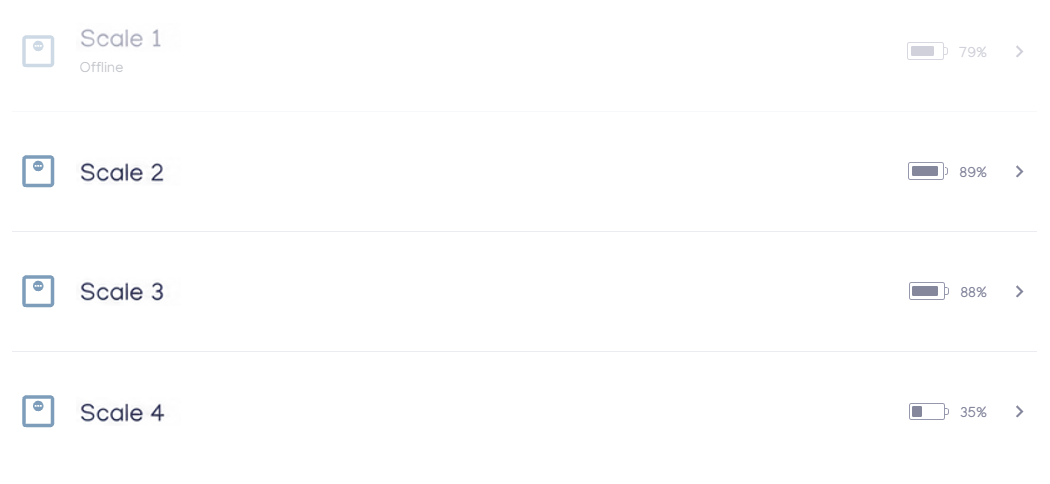
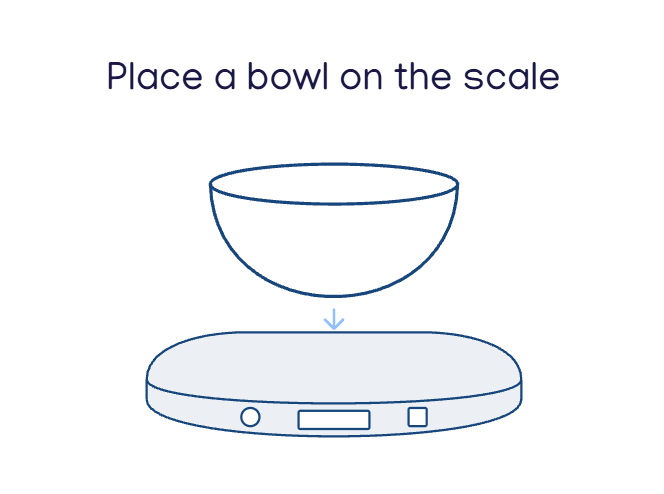
Use your phone at the chair, an iPad at the back bar, or the salon computer. Choose an available scale and set down the empty bowl. The weights you record belong to that client and appointment from the first pour.
Find the shade on your shelf.
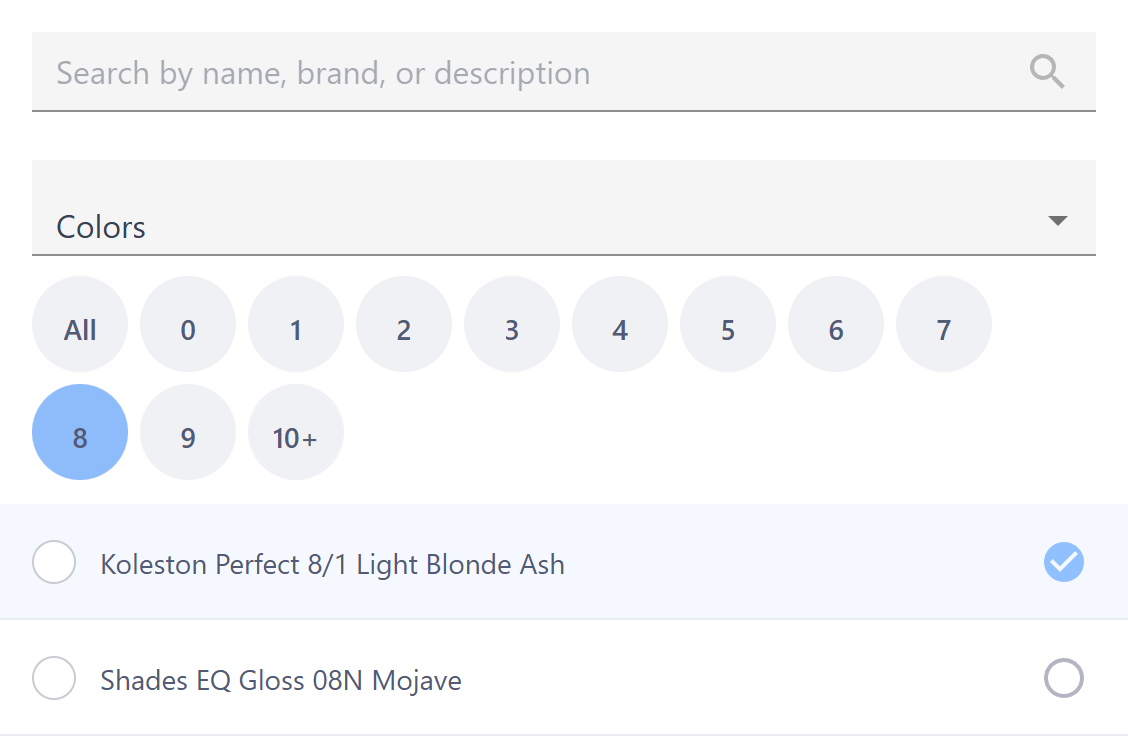
Know the tube by its code? Search for it. Still choosing a tone? Tap a level to see the shades your salon carries. Here, level 8 brings up both Koleston Perfect 8/1 Light Blonde Ash and Shades EQ Gloss 08N Mojave.
Select your colors, then choose the developer for the mix. Each product gets its own place in the bowl’s formula.
See exactly how much to pour.
The weight appears beside your shade as you pour. When it’s time for developer, Adalace takes the amount of color already in the bowl and applies the ratio you set for that product. The target sits just below the live reading.
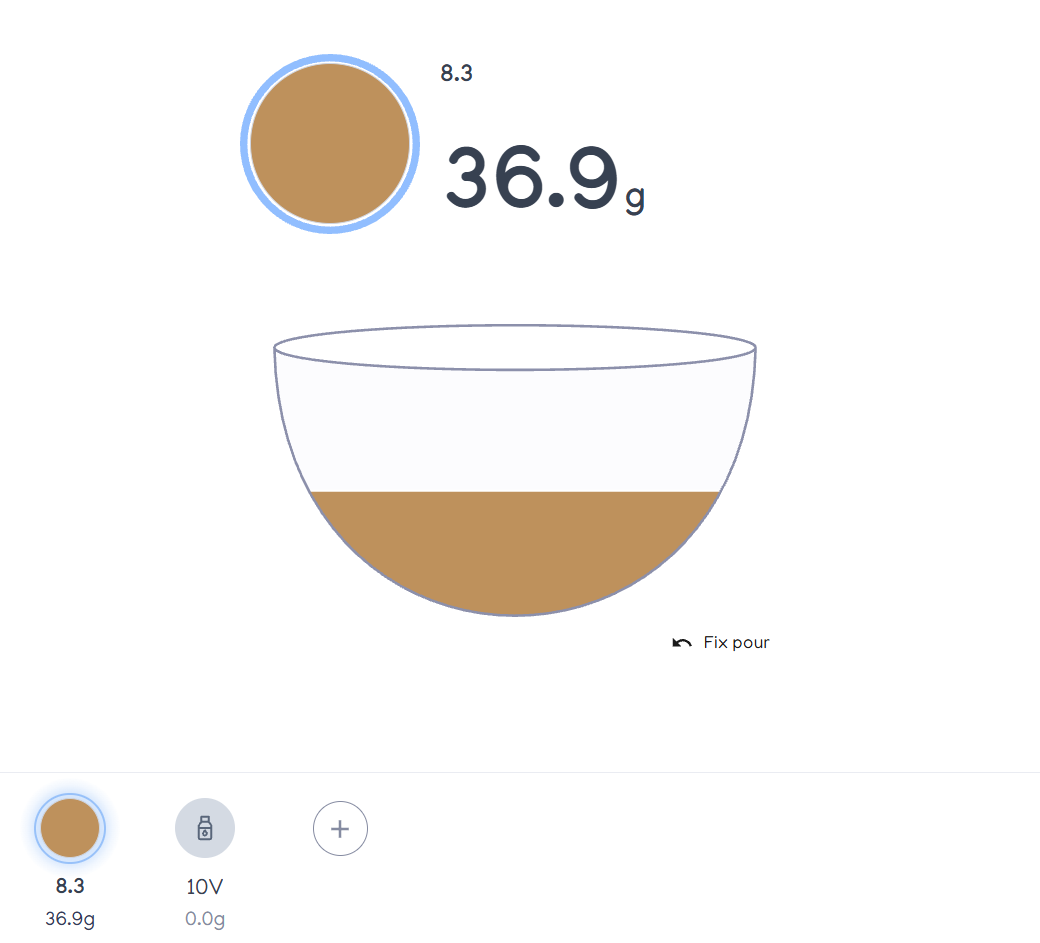
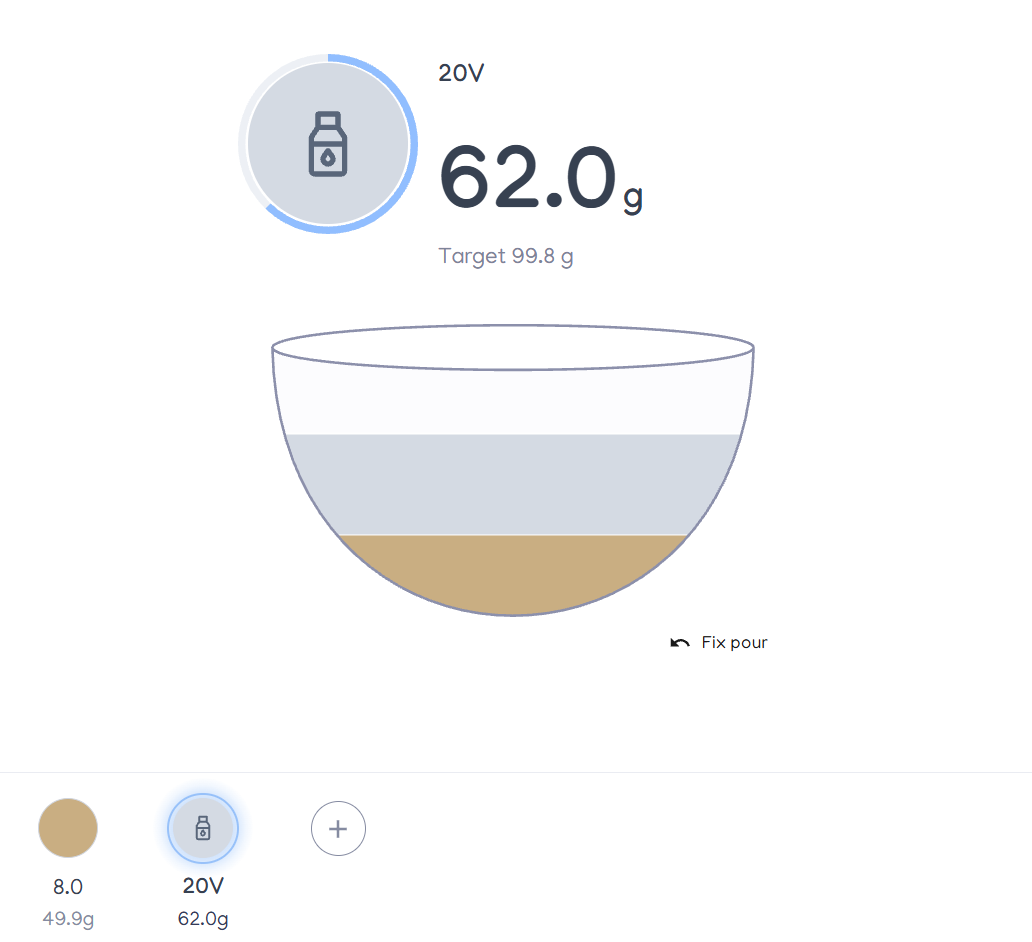
Pick up the bowl. Keep your place.
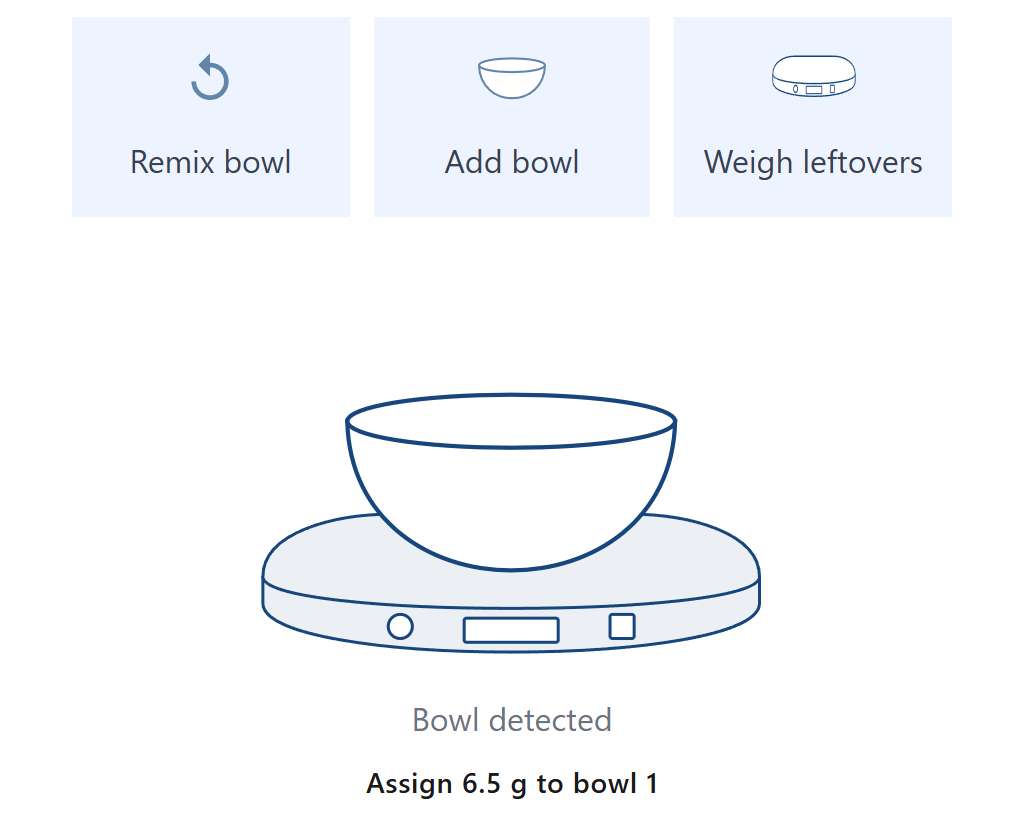
Lift the bowl to stir, then set it back down. If the weight is the same, Adalace picks up where you left off. Add color while the bowl is off the scale and Adalace spots the extra weight when it returns. Confirm it’s the same bowl, then tap the shade those grams belong to.
You can also pour before tapping a product. Adalace holds that weight until you identify the ingredient. Running low on color? Remix bowl gives you full, half, or quarter batches. Add bowl keeps a separate recipe for the gloss.
Weigh what’s left. Save what you used.
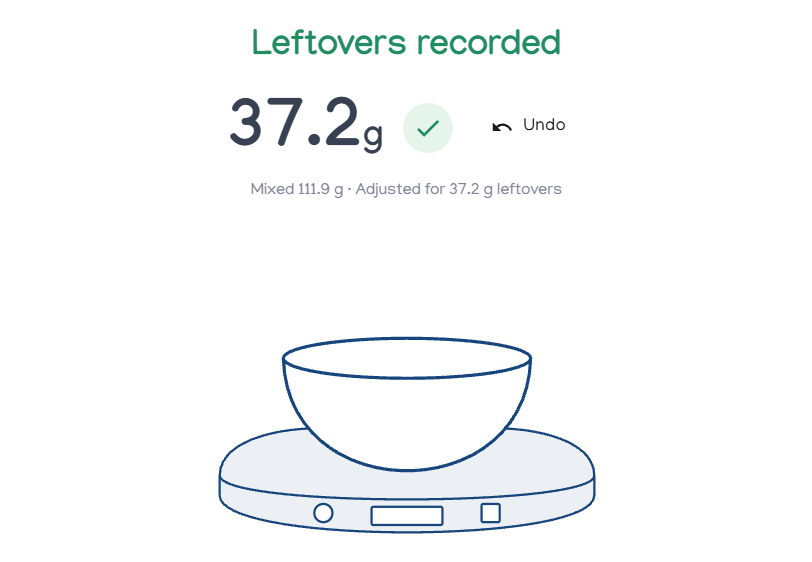
Before you rinse the bowl, put it back on the scale. Adalace subtracts the leftover color mix and adjusts each ingredient in proportion. Review the amounts, name the formula, and save it for the client’s next appointment.
In this example, the stylist mixed 111.9 g and had 37.2 g left. Next visit’s formula starts at 74.7 g. That’s 37.2 g of product the salon can leave on the shelf if the client needs the same service again.
Scale 1 busy when you come back? With the original session still open on your device and the empty bowl’s weight recorded, you can switch to Scale 4. Confirm the platform is clear, then set the bowl down for its reweigh.

Keep the scale you already use.
Choose manual weighing and tap the product. Type a known amount in grams or ounces, or enter the reading from your own scale. Adalace uses the amount you enter to calculate the developer target and build the client’s formula.
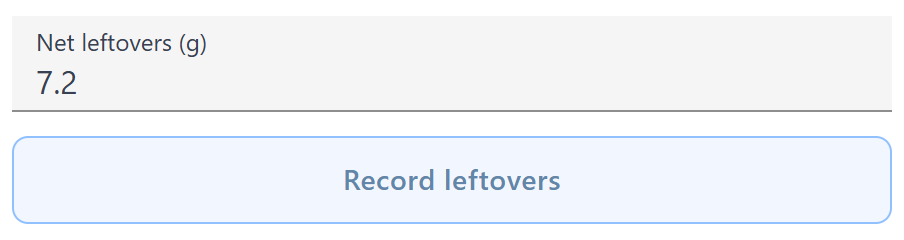
After the service, enter the net weight left in the bowl. You can save the adjusted recipe for next time, even if the salon has never connected an Adalace scale.

Planned · Inventory & checkout
From the tube to the ticket.
We’re planning to deduct each pour from the product on your shelf. A 40 g pour of color would take 40 g out of stock, even if some of the finished mix stays in the bowl.
If you bill for materials separately, you’d be able to carry the product cost onto the client’s ticket at checkout. Your salon would choose whether to pass that cost along.
Book a scale demo| Product | From stock | Cost |
|---|---|---|
| Color | 40 g | $8.00 |
| Developer | 80 g | $2.00 |
| Optional materials charge | $10.00 | |